From AI-generated artwork to a finished CSUF postcard
How I used campus photography, ChatGPT and Adobe Photoshop to build four vintage-inspired postcards—and why the work took far more than one prompt.
By Mike Ibanez · Creative process · Cal State Fullerton
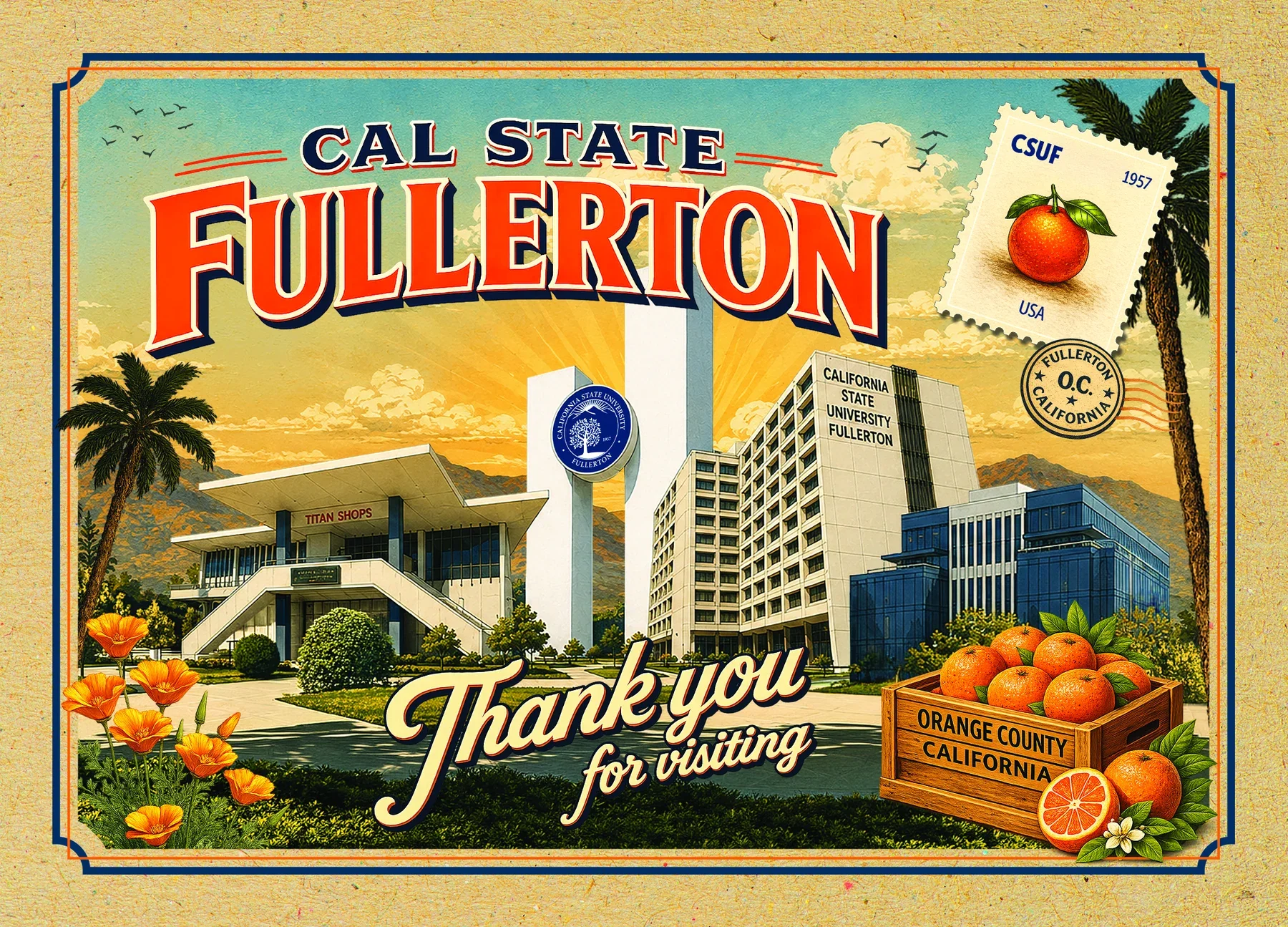
The brief was to create a postcard that felt like a souvenir from another era but unmistakably belonged to Cal State Fullerton. Think oversized travel-poster lettering, warm Southern California light, oranges and poppies, and the buildings visitors would recognize from campus.
There was another requirement: the postcards needed to work with students and without them, in both horizontal and vertical formats. That made a single generated image a poor fit. I used ChatGPT to develop individual illustrations, downloaded the pieces, and brought them into Adobe Photoshop to control the layouts.
The finished work came from a series of decisions about what to keep, what to correct and what to rebuild—not one successful prompt.
01 / THE SOURCE
Start with the campus, not an invented one
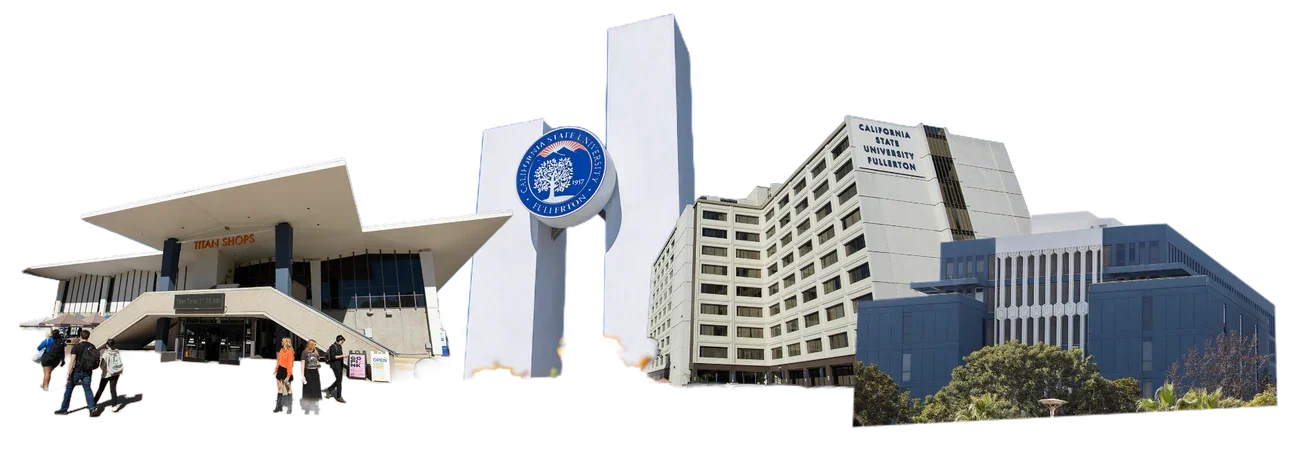
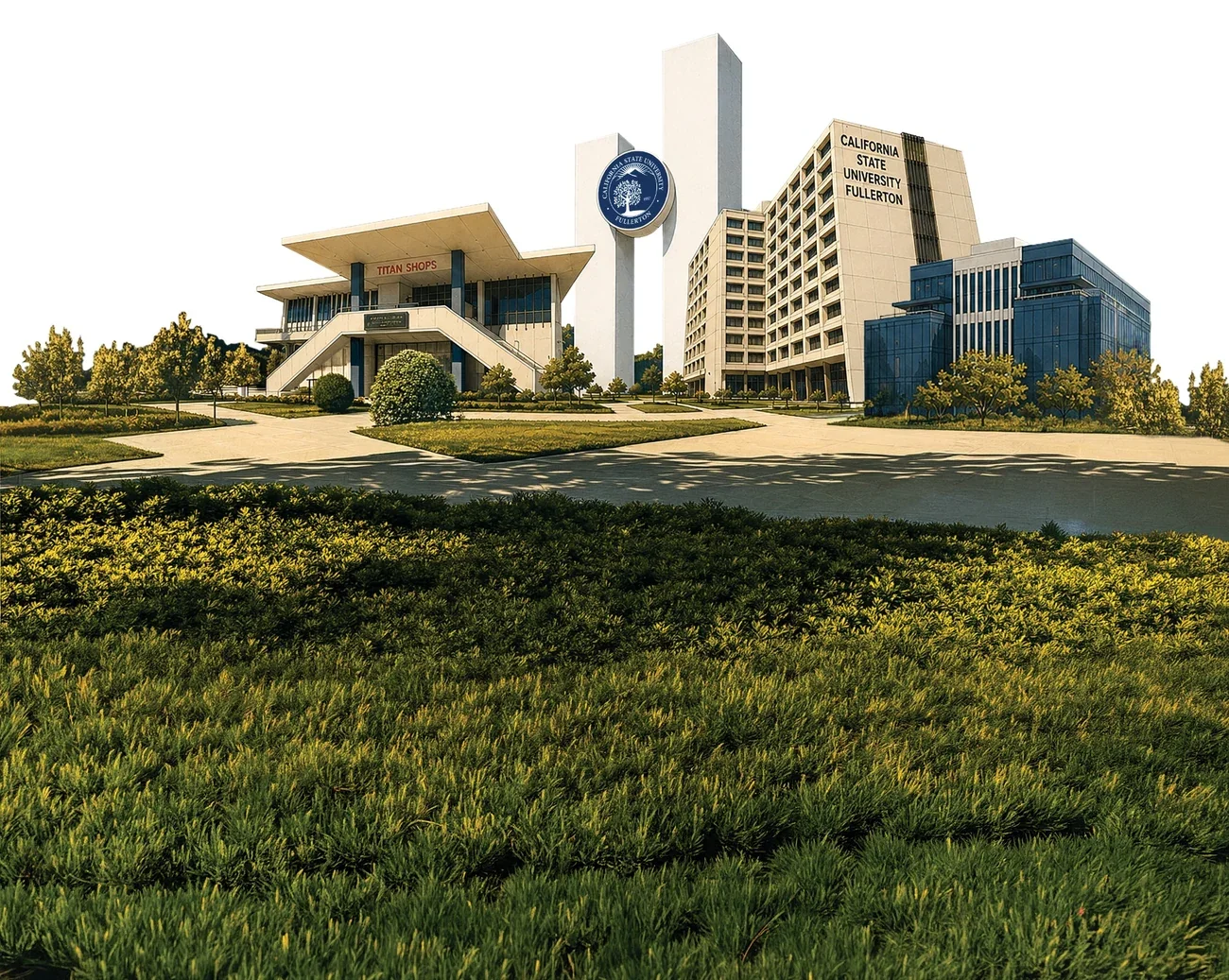
I began with a composite photograph of CSUF buildings. The Titan Shops roofline, tall white monument and blue university seal, and adjacent academic buildings gave the piece its identity. These were the details the illustration needed to retain.
AI could translate the photograph into a vintage illustrated treatment, but it also had a tendency to alter façades, scramble signage or invent architectural elements. Keeping the photograph close at hand gave me something concrete to check against.
Architecture: preserve the buildings View example prompt
Representative prompt, edited for readability; not a verbatim record of every iteration.
Apply a warm, vintage travel-poster illustration treatment to the uploaded campus buildings. Preserve the existing buildings, their positions, rooflines, windows, central monument and seal. Do not invent, replace or rearrange structures. Correct warped geometry and keep the signage as faithful to the reference as possible. Remove people and isolate the buildings for use in Photoshop.
02 / ART DIRECTION
Borrow the language of vintage travel postcards
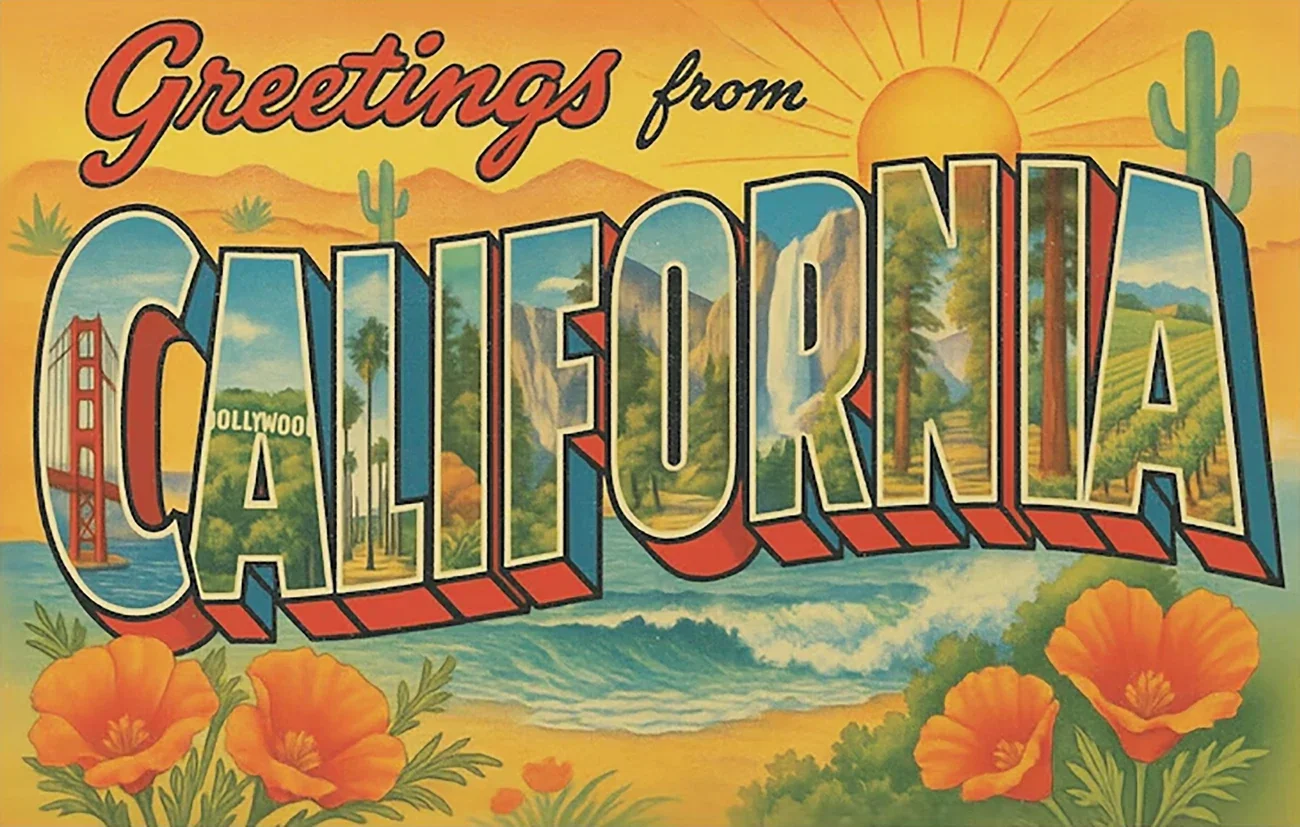
The references included an uploaded California postcard illustration and Adobe Stock textures and ornamental graphics. I treated these as art-direction sources, then developed separate assets for the finished designs.
The historical postcard reference helped set the direction: dimensional display lettering, dramatic scale, sunny colors and a slightly worn print finish. I wanted that feeling without copying the reference illustration.
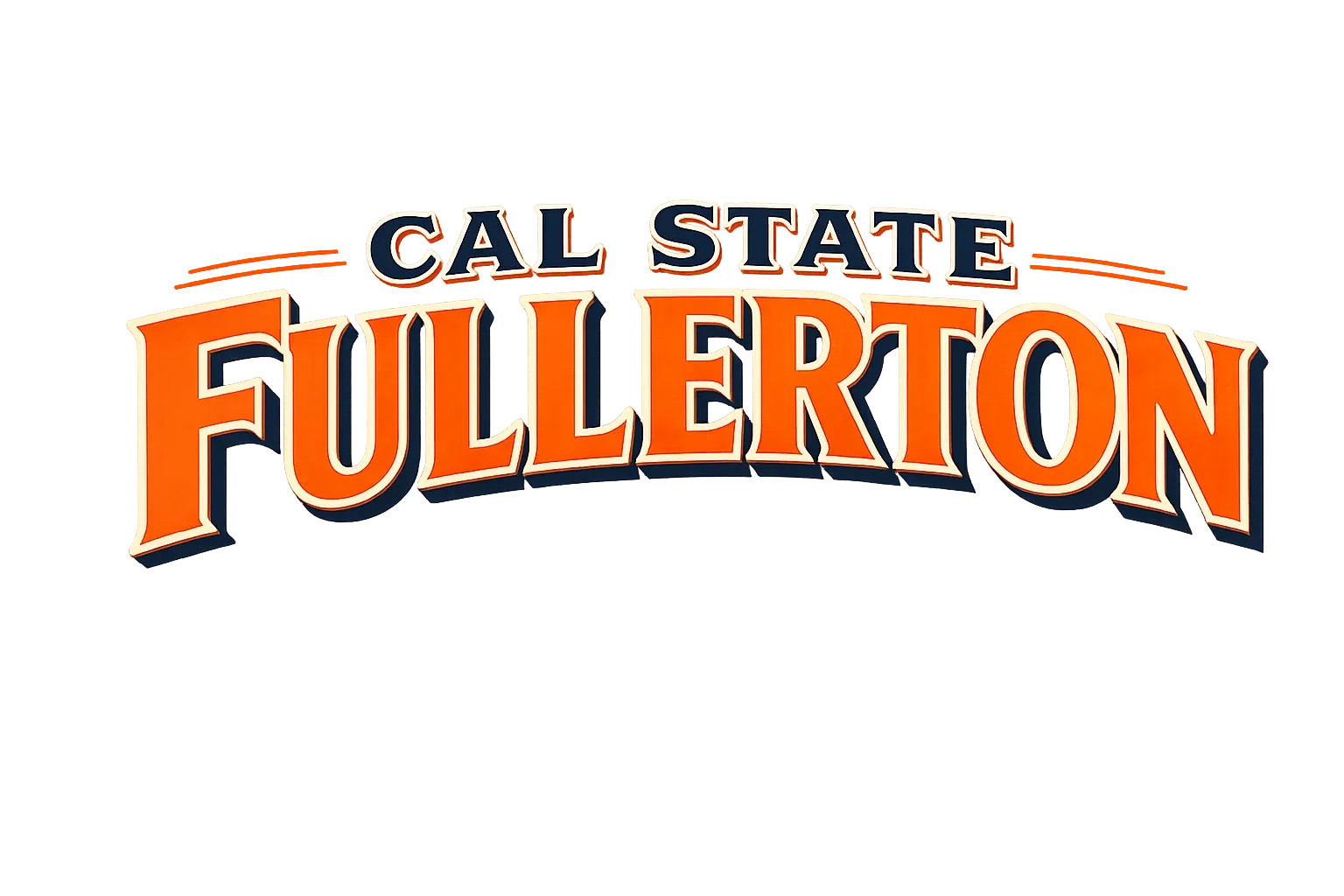
The headline became the anchor. CAL STATE sits above an oversized FULLERTON, with cream edges and dark navy shadows. A separate script treatment for “Thank you for visiting” gives the composition a more personal, welcoming note.


Typography: generate a separable headline View example prompt
Representative prompt, edited for readability; not a verbatim record of every iteration.
Create only the words “CAL STATE FULLERTON” in exaggerated mid-century American travel-postcard typography. Use orange lettering, cream outlines and deep navy dimensional shadows. Spell every word correctly, refine the shape and perspective of each letter, and provide a clean isolated asset without additional decoration.
Text needed extra attention. A distorted letter or misspelled building sign can survive a quick glance but becomes obvious in print. I reviewed lettering closely and treated difficult areas as design corrections, not acceptable AI quirks.
03 / IMAGE GENERATION
Make the artwork modular
Instead of asking ChatGPT to regenerate the entire postcard every time I wanted a change, I developed the supporting artwork separately. That made it easier to revise one element without changing the others—and gave me assets I could move, scale or remove in Photoshop.
The setting: mountains, palms and paper
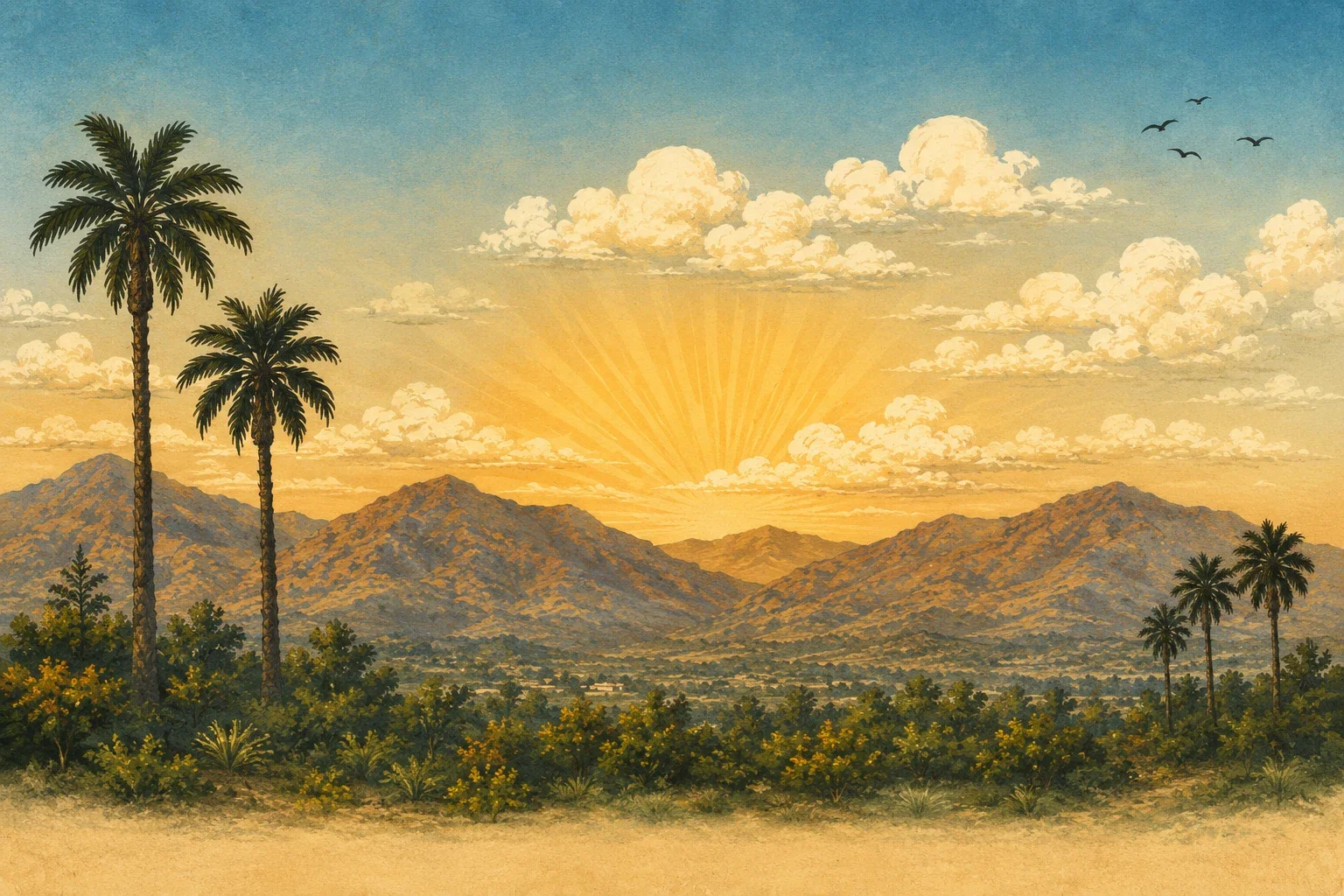
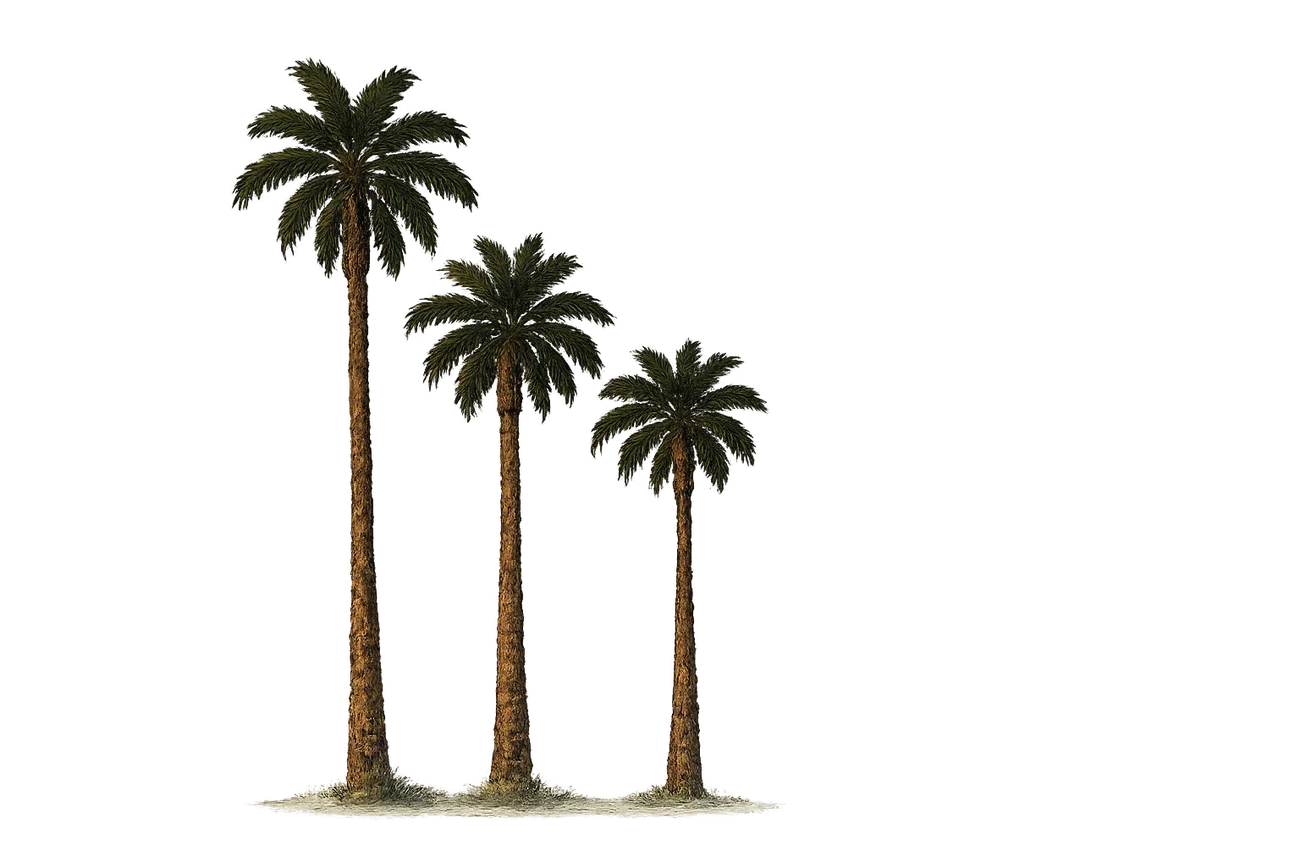
A golden sunset, mountain silhouettes and palm trees supplied the atmosphere. I also used a scanned-looking paper texture to give the finished postcard the tactile feel of an older printed piece.

Landscape: build a consistent backdrop View example prompt
Representative prompt, edited for readability; not a verbatim record of every iteration.
Create a panoramic Southern California-inspired sunset landscape in a lightly textured mid-century travel-poster illustration style. Use muted blue sky, warm yellow-orange sunlight, distant mountains and soft clouds. Keep the scene free of lettering and campus buildings so it can function as a background layer.
Regional details: oranges, flowers and postal marks
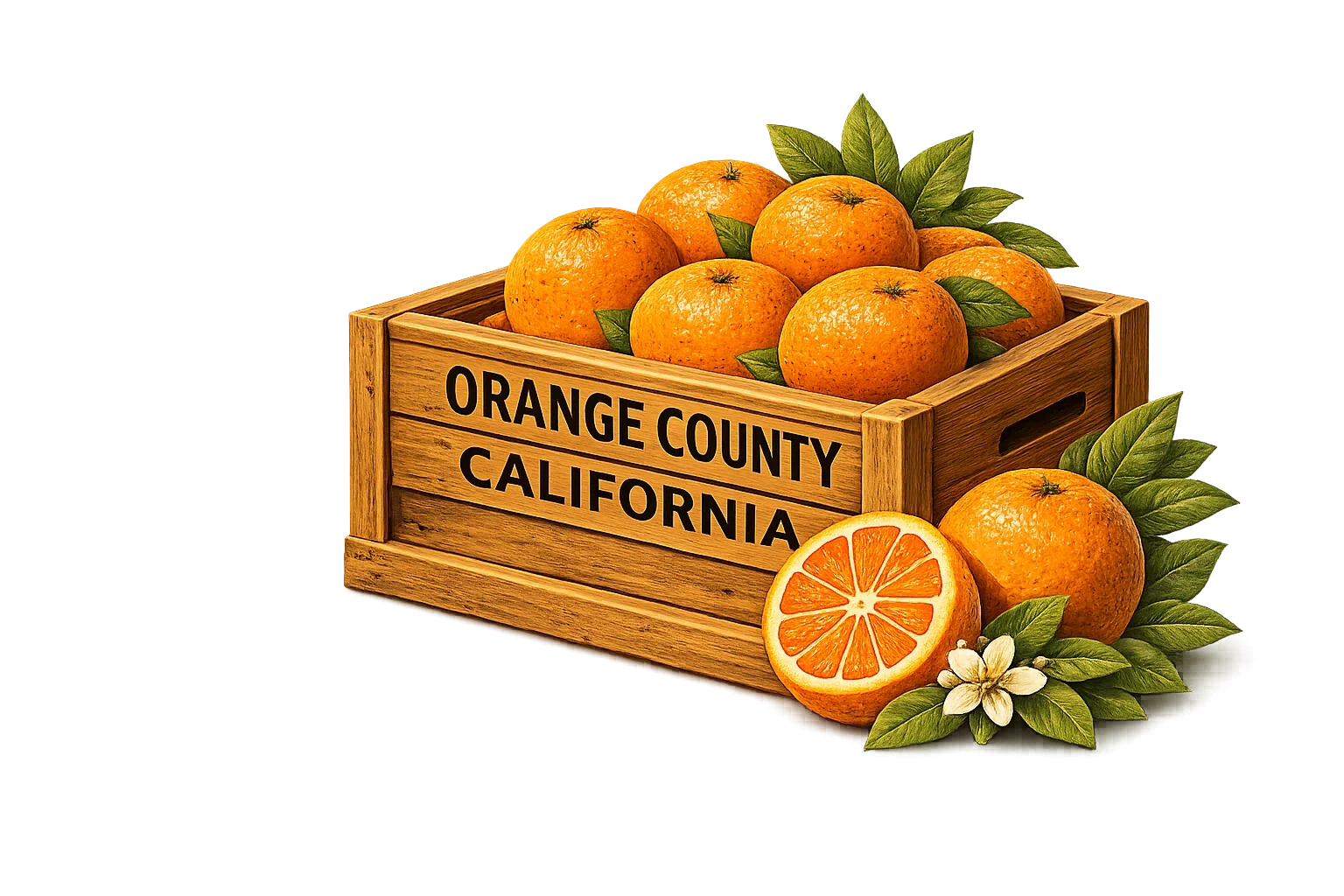
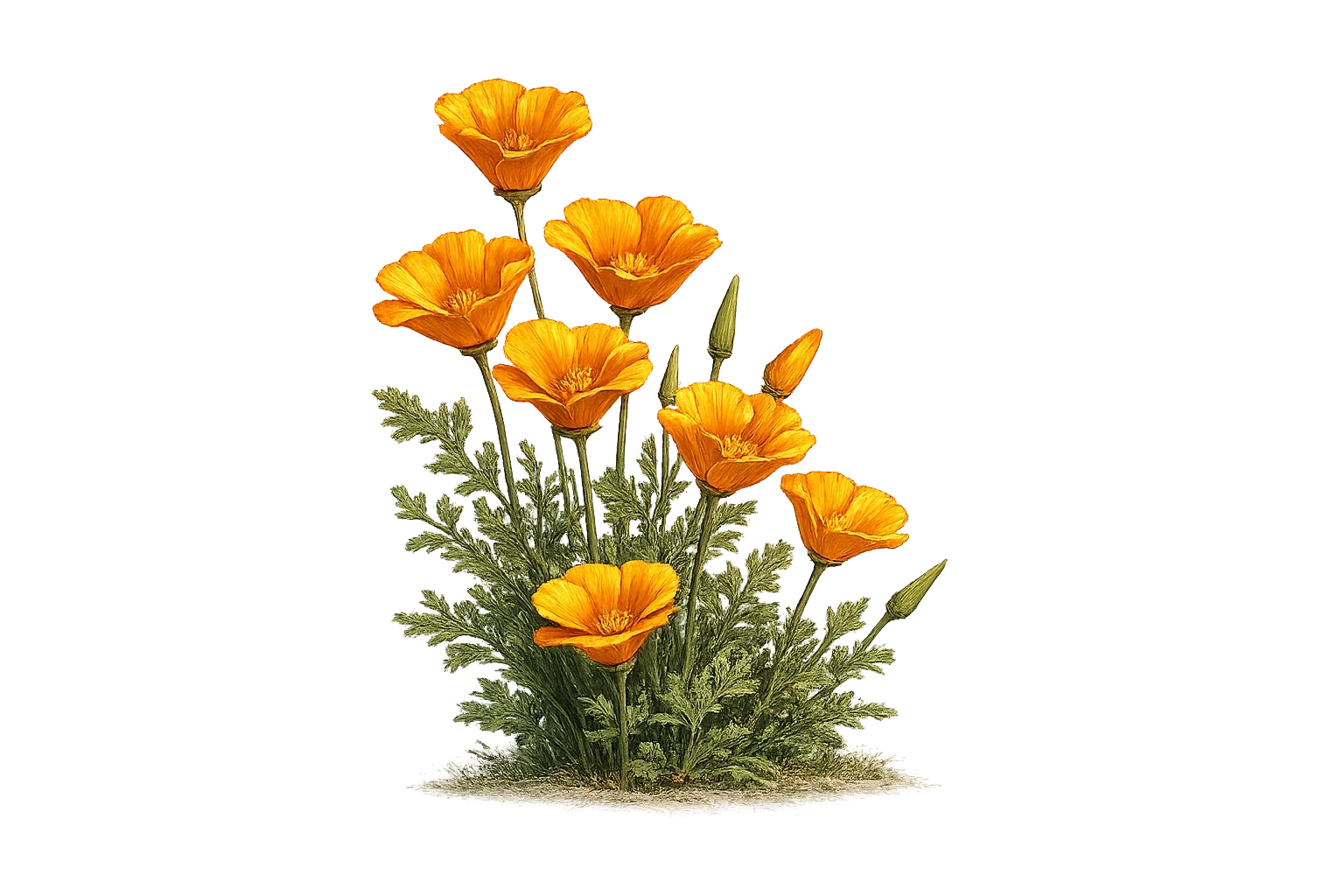
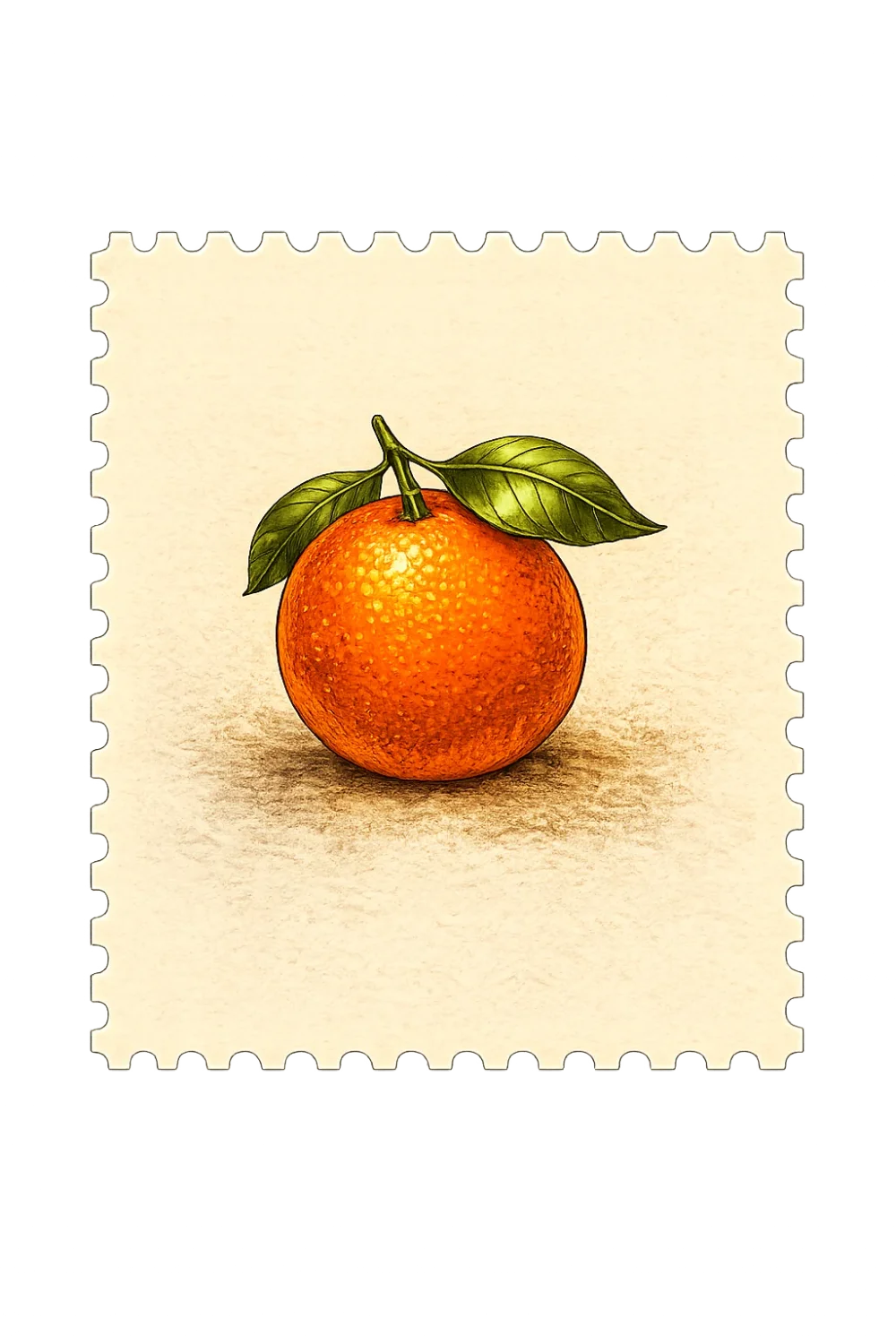
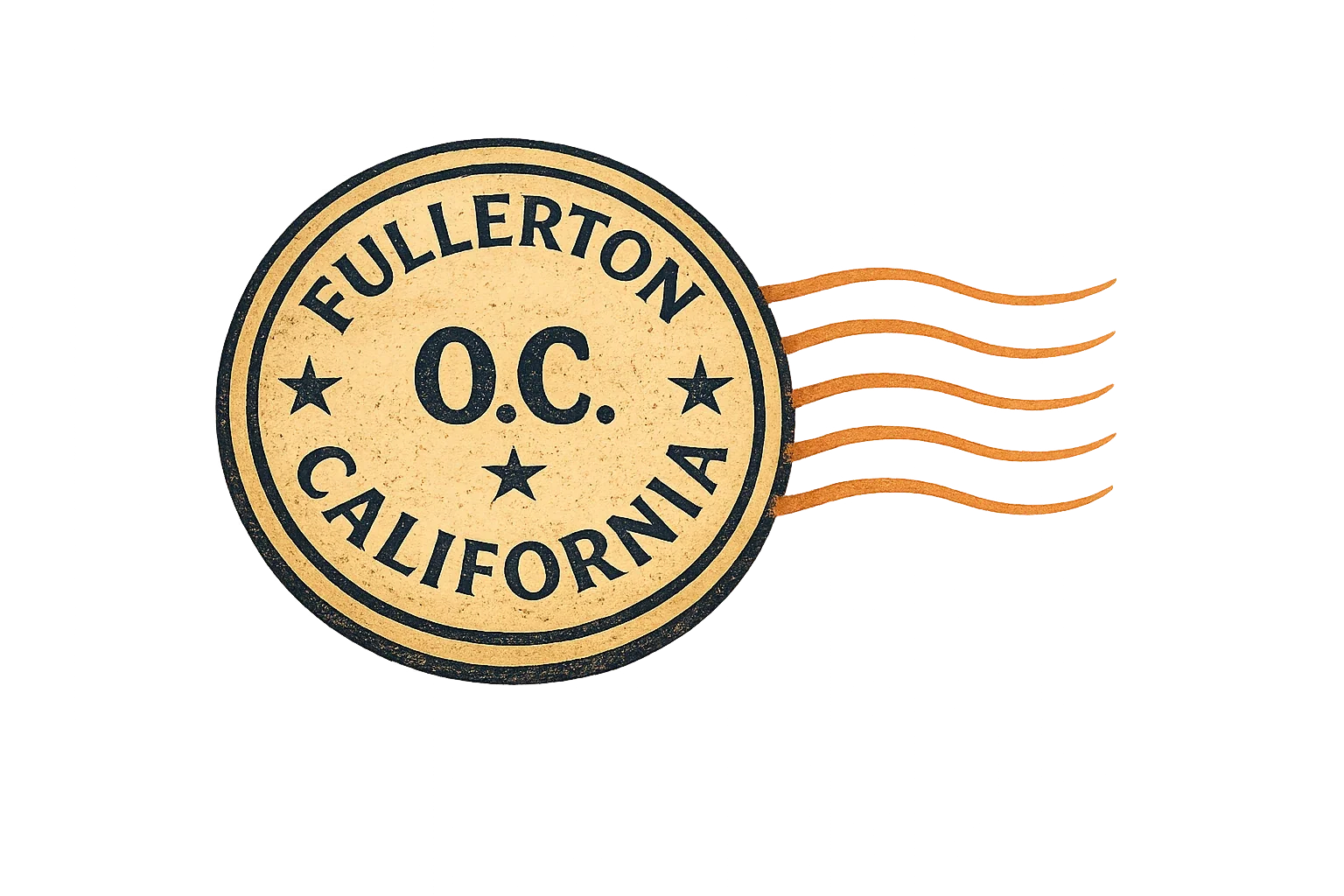
The orange crate and California poppies brought Orange County references into the scene. The stamp and Fullerton postmark made the artwork read more clearly as a postcard, rather than a generic campus poster. These are illustrated souvenir-style elements, not representations of an official USPS stamp.
Botanical illustration: isolated poppies View example prompt
Representative prompt, edited for readability; not a verbatim record of every iteration.
Create a cluster of California poppies with distinctive orange petals, fine green foliage and a warm vintage botanical-illustration finish. Refine the petal structure and overlap. Isolate the entire cluster with a transparent background and do not add a landscape or typography.
Postcard ornament: citrus stamp View example prompt
Representative prompt, edited for readability; not a verbatim record of every iteration.
Create an illustrated souvenir-style perforated stamp showing a single California orange with leaves. Keep the design restrained, with warm cream paper and clean edges. Do not add flowers or unrelated details. Make the entire stamp a separate asset that can be placed on a postcard.
Students: an optional layer, not part of the background
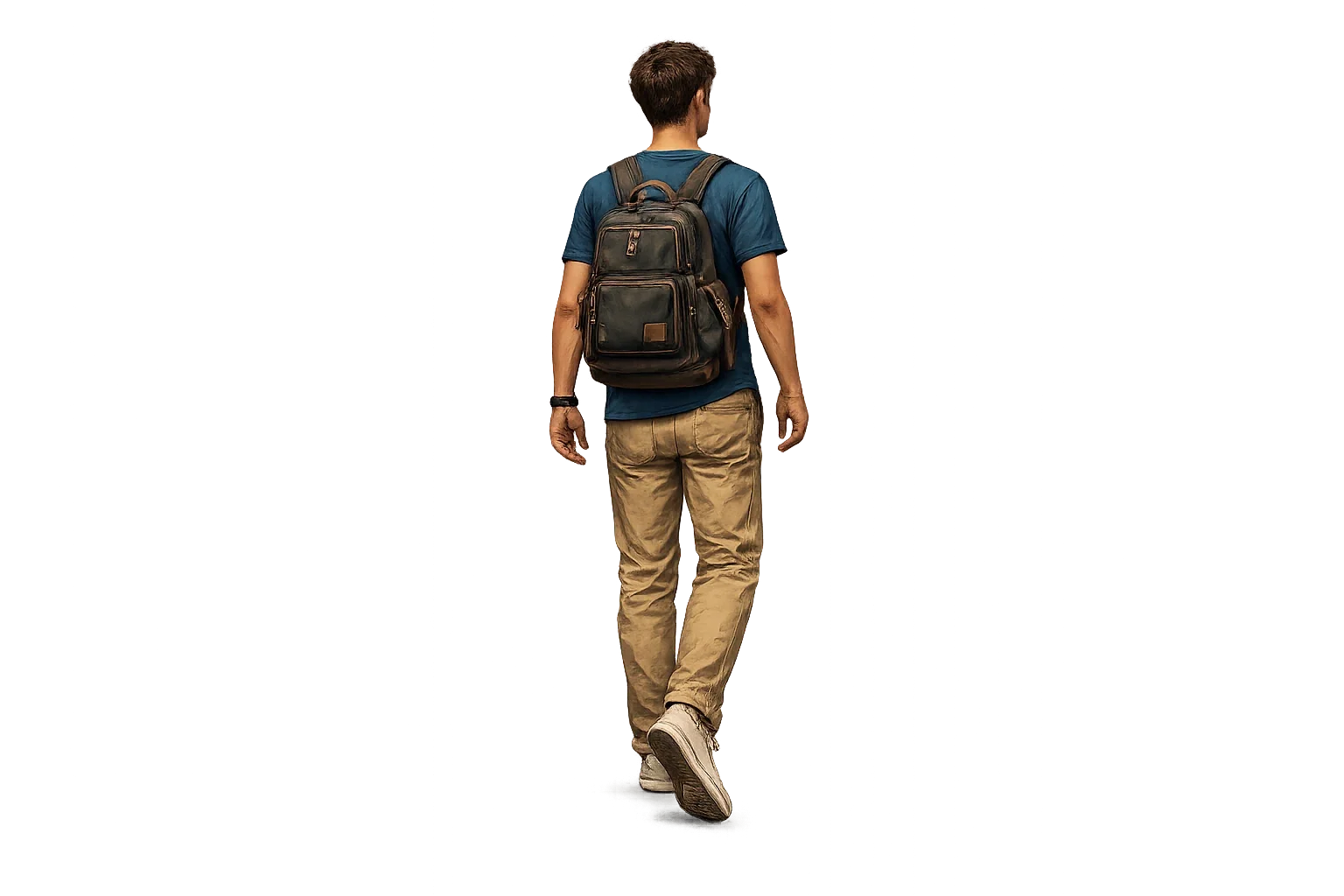
Some postcard versions were explicitly requested with students; others needed the campus to appear without people. I generated the students as separate figures, with varied clothes, bags and poses, and exported them individually. That made the difference between the two options a deliberate design decision rather than a completely new image generation.
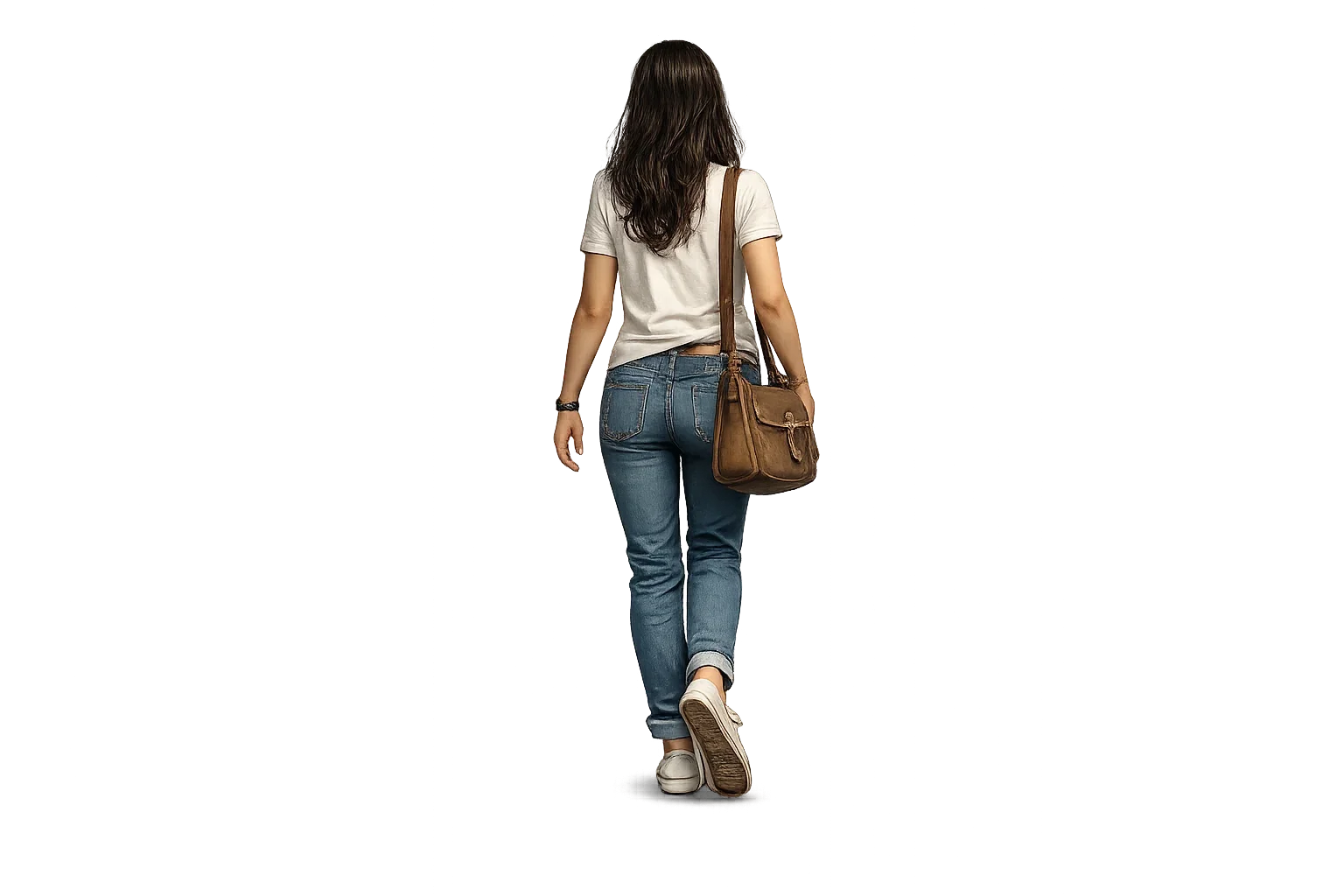
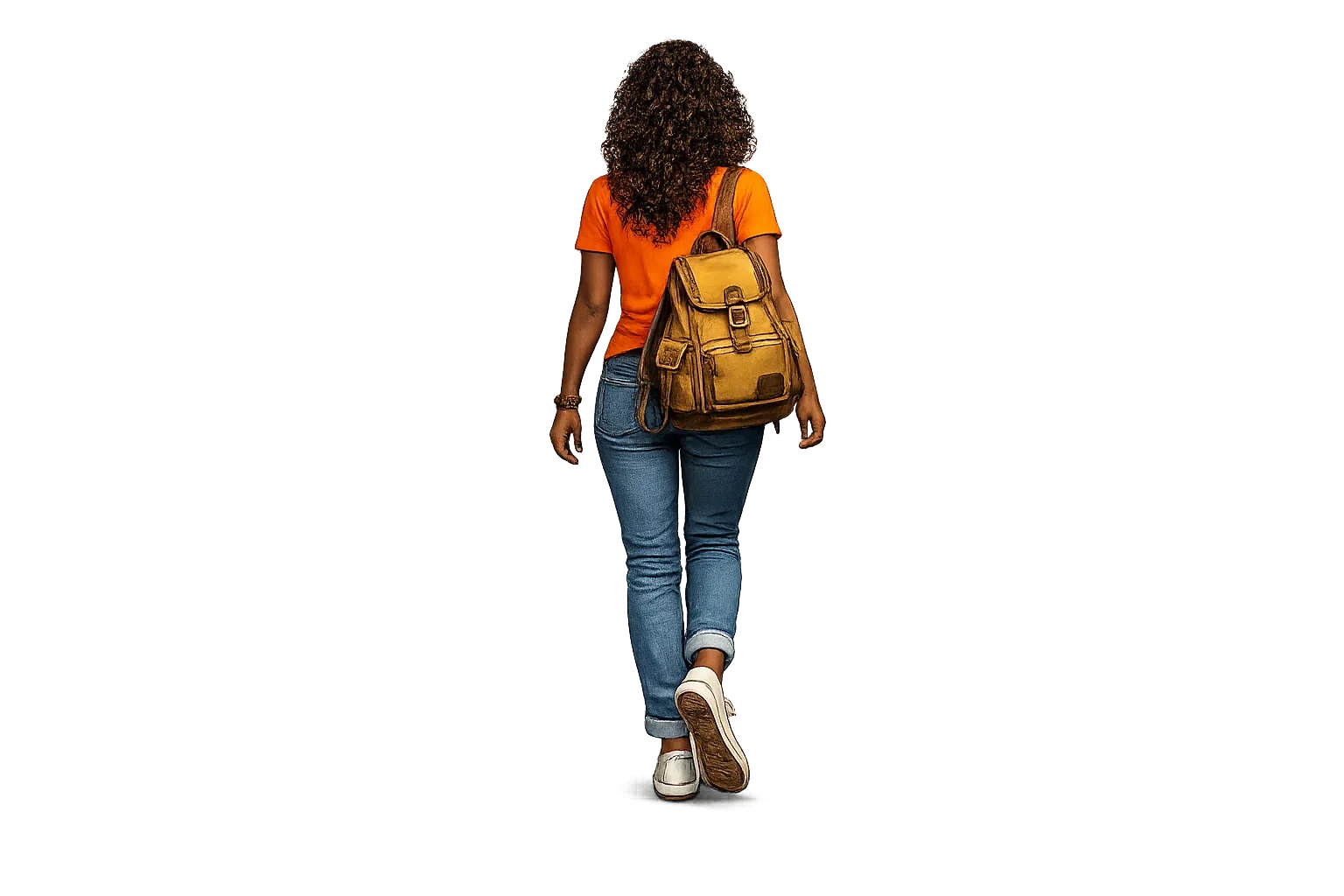
Students: separate cutout illustrations View example prompt
Representative prompt, edited for readability; not a verbatim record of every iteration.
Create a single college student shown from behind, walking toward campus. Match the existing warm, semi-realistic vintage illustration style. Use natural proportions, anatomically correct hands and feet, and distinctive casual clothing. Show the full figure on a transparent background with no buildings or additional people.
04 / COMPOSITING
ChatGPT made the pieces. Photoshop made the postcard.
Once I had workable assets, I exported the image files from ChatGPT and combined them in Adobe Photoshop. The buildings, large title, welcome message, students, poppies, orange crate, postage graphics and background became separate elements of the layout.
This was where the design began to feel cohesive. I could position the title independently of the architecture, control how foreground elements overlapped, and adjust the relative weight of the illustrations. More importantly, I could show or hide the student artwork to produce the requested variations without abandoning the rest of the composition.
AI accelerated illustration development, but Photoshop gave me the precision needed for hierarchy, cropping, masks, alignment and layout changes. The exports were working material—not the final design by themselves.
05 / REVISIONS
The work was in the corrections
Early images often looked convincing at a distance. Closer inspection revealed the familiar trouble spots: misspelled words, inconsistent windows, bent building lines, awkward hands and feet, and decorative elements escaping their intended boundaries.
I moved from broad requests to targeted ones: fix the final letter of FULLERTON; keep the campus monument inside its intended crop; change one student's clothing without changing the person; remove students but preserve the architecture. The more specific the instruction, the easier it became to evaluate the next version.
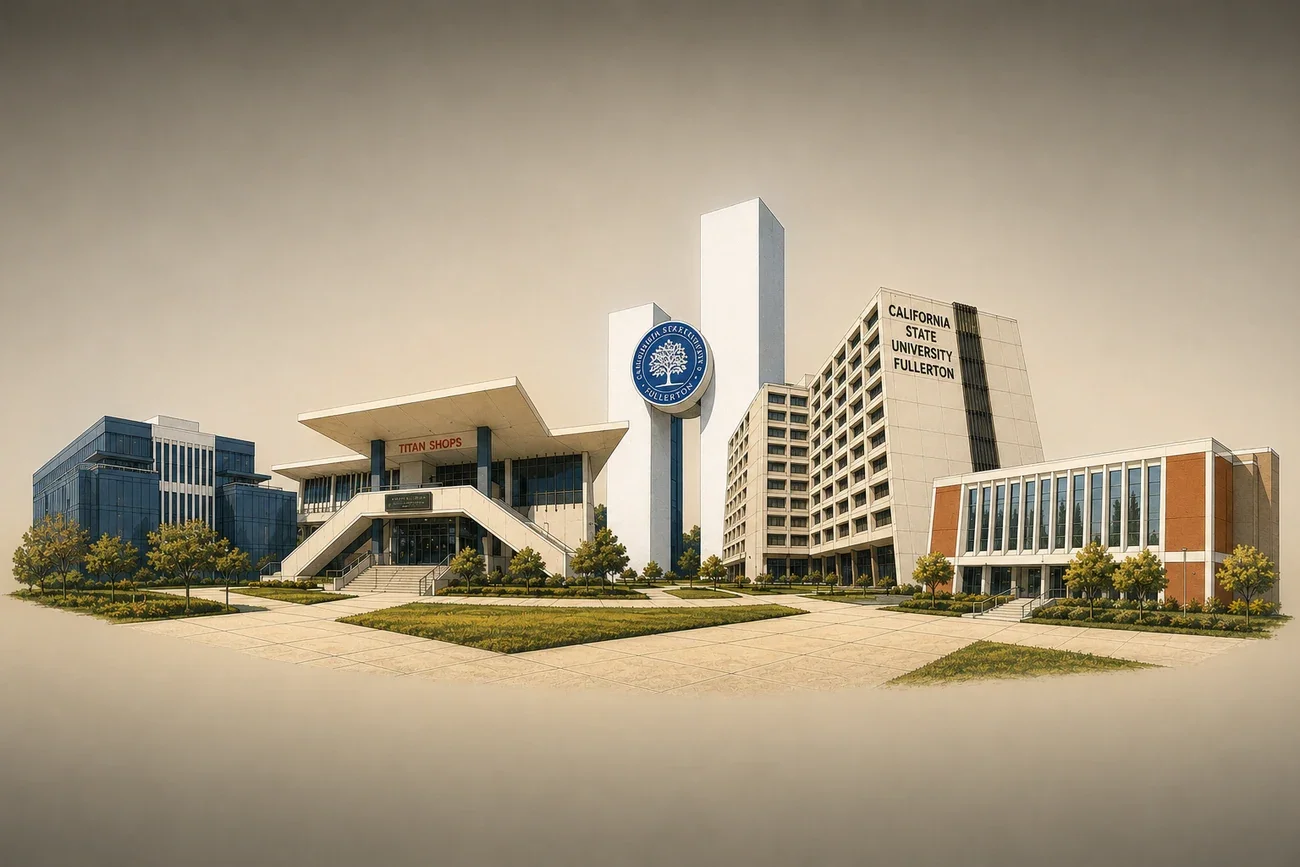
Refinement: change only the problem area View example prompt
Representative prompt, edited for readability; not a verbatim record of every iteration.
Keep the existing subject, composition, color palette and vintage illustration style. Correct warped architecture, inconsistent window spacing and inaccurate perspective. Preserve the original campus buildings and all correctly rendered elements. Increase edge clarity without inventing new objects, adding people or altering the background.
Even with precise requests, AI did not always preserve everything else. When a correction introduced a new problem, I could fall back on the previous exported asset or solve the issue in Photoshop.
06 / THE OUTCOME
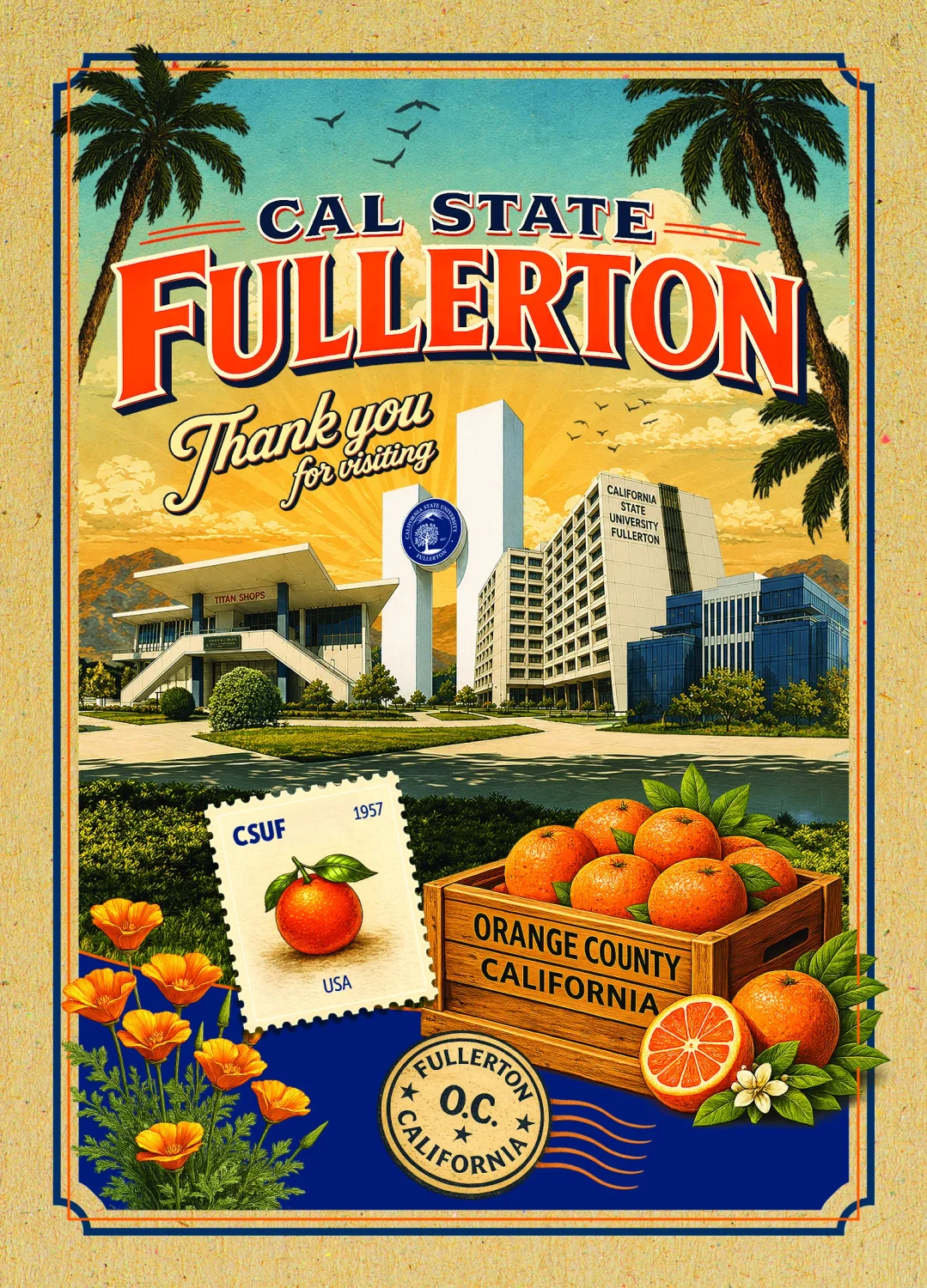
Four versions, two choices
The final comparisons below are taken from the Photoshop compositions, not from single-prompt AI mockups. Two layouts include students; the corresponding two omit them, as requested.
The postcard was ultimately developed in vertical and horizontal formats, with a student-focused version and an architecture-focused version for each orientation. All four share the same overall visual language, but the layouts are not simply crops of one another.
Vertical: with students / without students
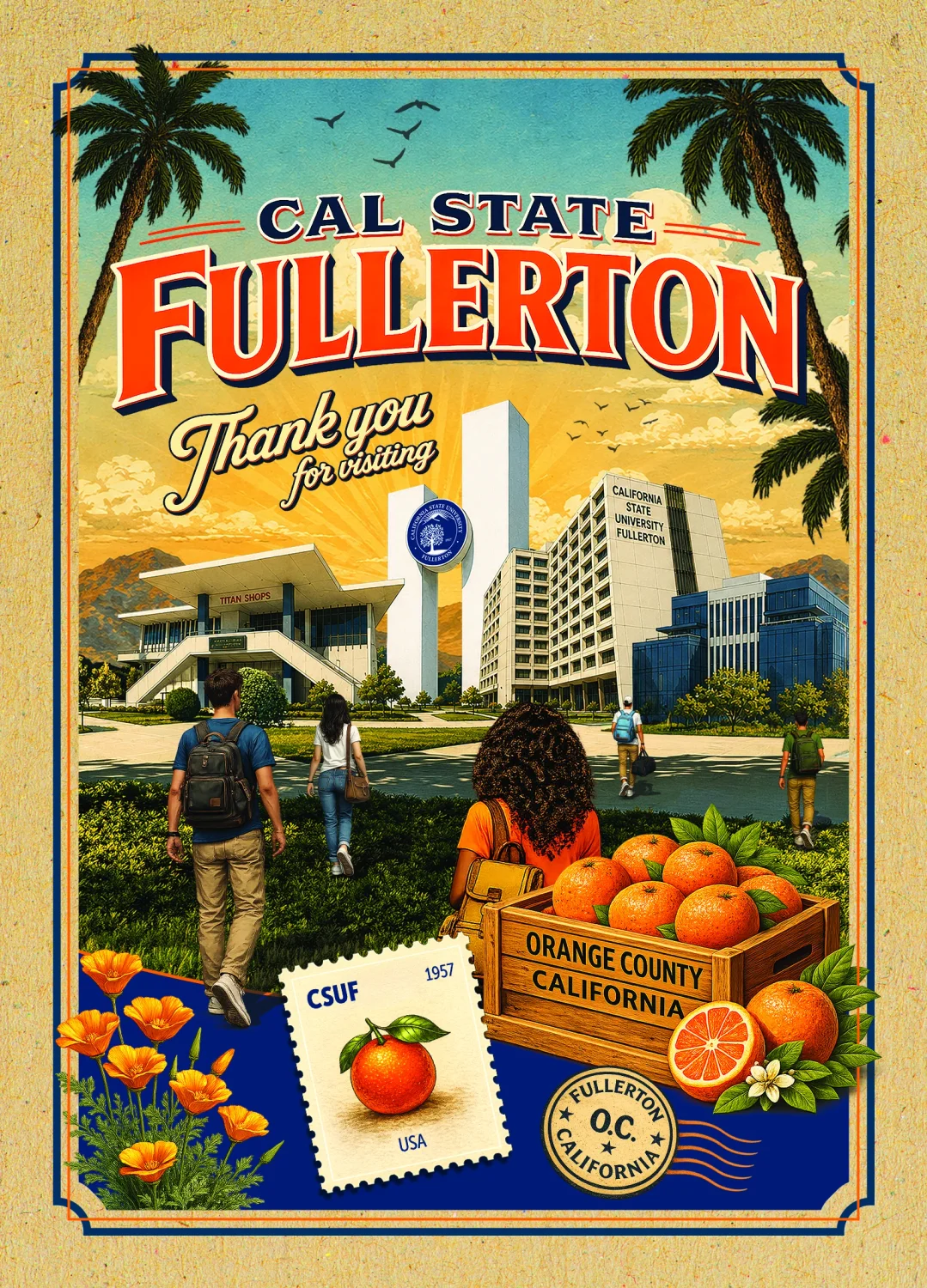
Horizontal: with students / without students
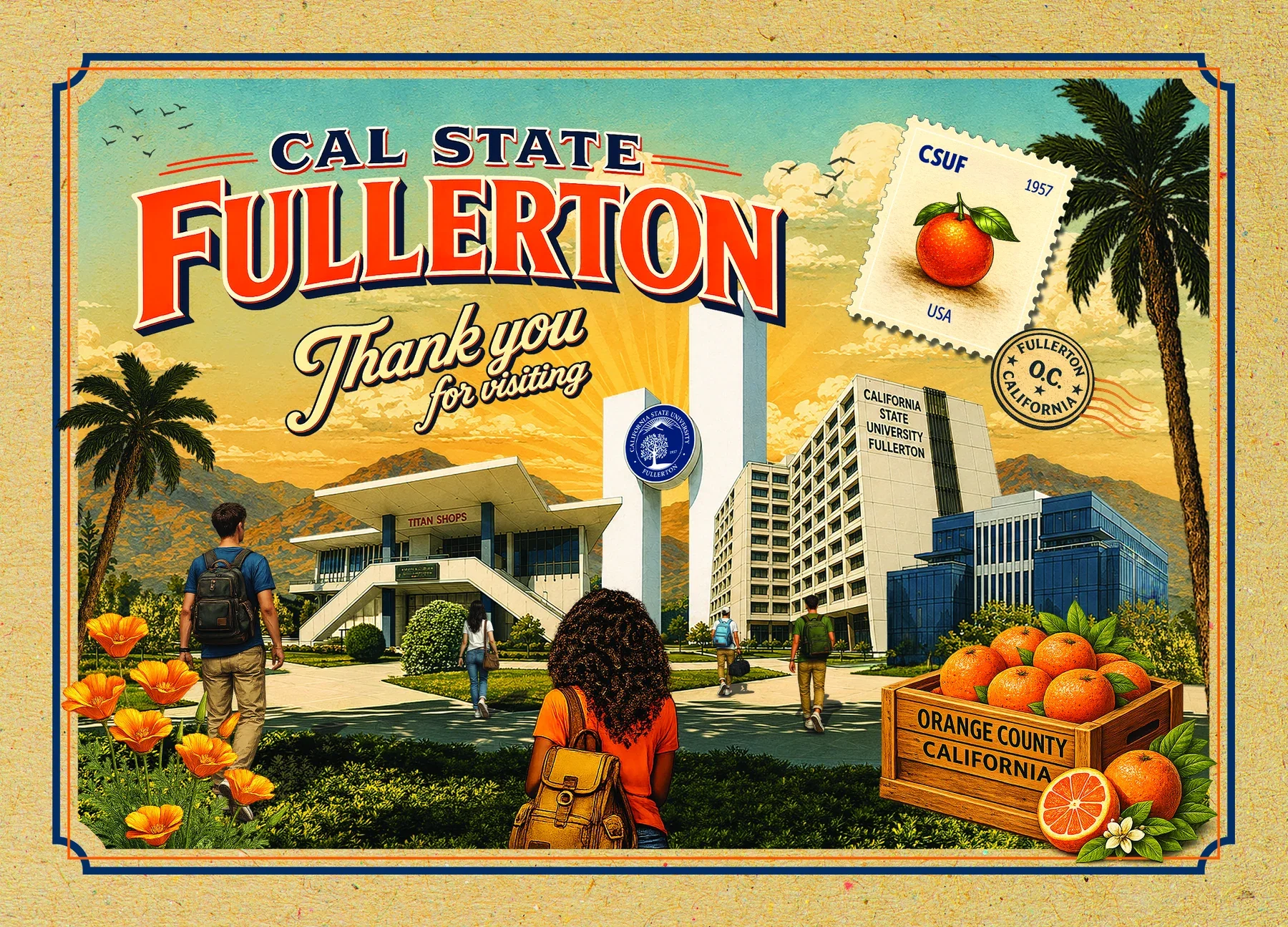
Separating the artwork into individual Photoshop elements gave me the flexibility to respond to those requests while keeping a consistent design family.
07 / WHAT I TOOK AWAY
AI is most useful when the design stays editable
The speed of AI image generation made it practical to explore several visual directions and create detailed supporting illustrations. The trade-off was unpredictability. The same tool that produced a convincing building or botanical accent could also distort a sign, change a person's posture or alter the composition during a minor revision.
For this project, the better workflow was to keep reliable source references, build a shared illustration style, generate reusable assets and assemble them in Photoshop. It offered the freedom to make real design decisions after generation—especially when the brief changed.
The finished postcards are not the result of one prompt. They are the result of using AI for the parts it could accelerate, then applying design judgment and traditional production tools to bring the pieces together.
Design and writing: Mike Ibanez · AI-assisted illustrations developed in ChatGPT · Final artwork assembled in Adobe Photoshop.